Tapnexa
NFC & QR essentials for your business
Find a simple setup for your counter. Swipe on mobile, or browse by business type.
Real products from our WooCommerce shop. Product photos, prices and availability are managed in WooCommerce.
From ordering to showing the link to your customers.
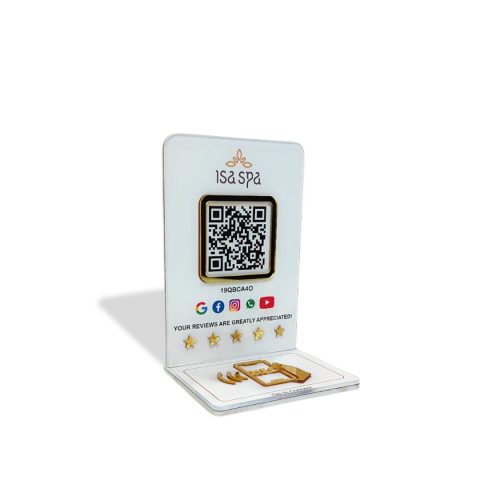
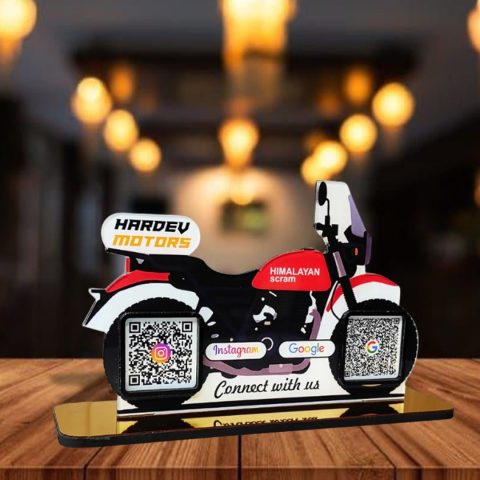
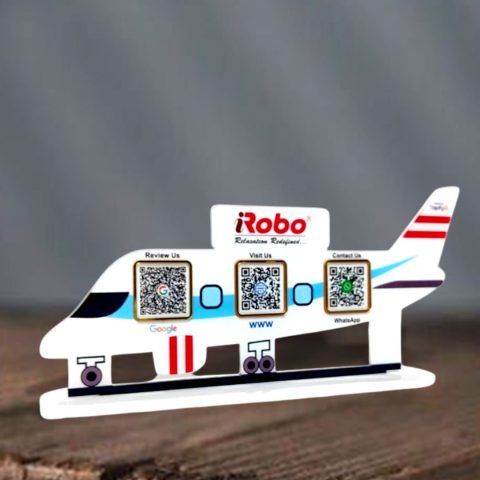
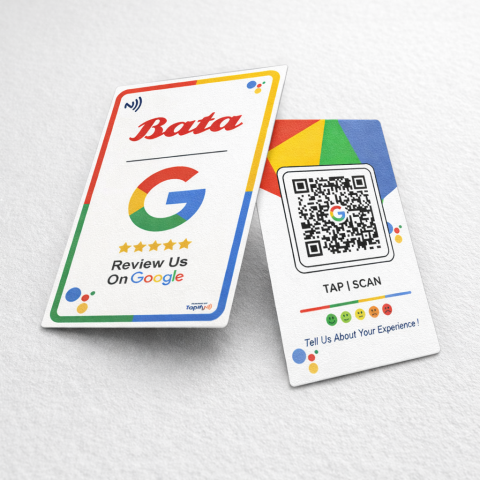
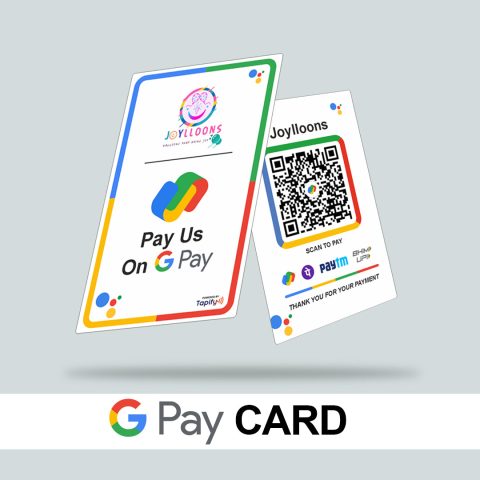
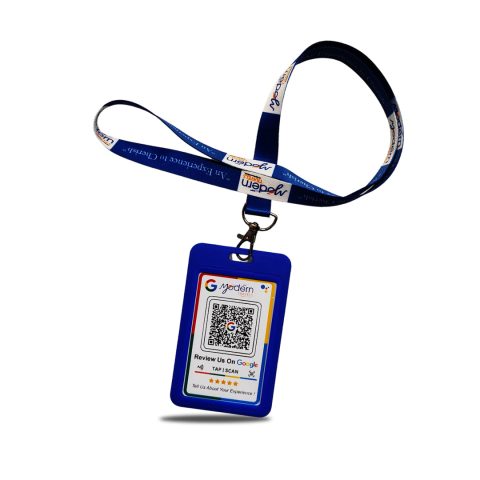
Choose a standee, review card or payment QR product that suits your counter.
Add your business links and personalisation details where your product supports them.
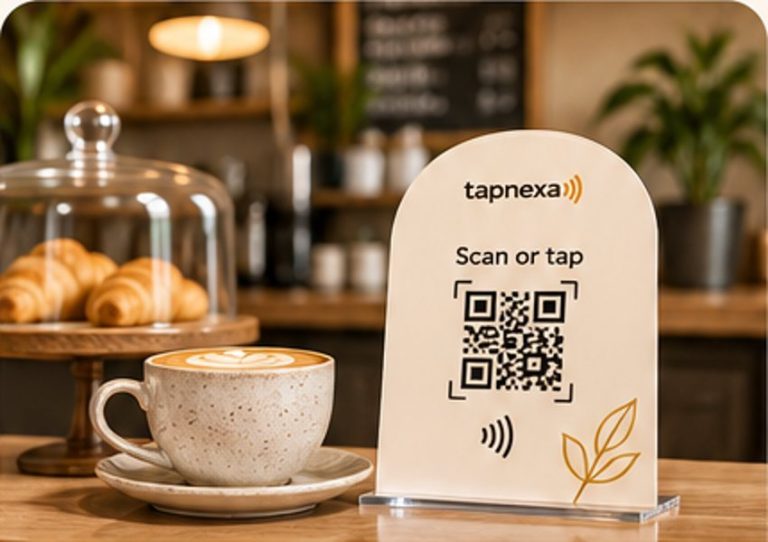
Customers can scan its QR or tap the NFC with a compatible phone.
Customers can open the right business link with a QR scan or an NFC tap. No long URLs to type.
Most phones can scan QR codes with the camera. NFC works on compatible phones when enabled.
Yes, with products that support a custom link. Customers decide independently whether to post an honest review.
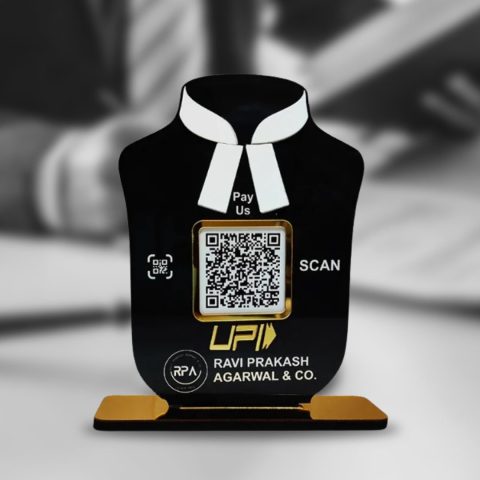
Selected QR payment products can display the payment link or QR information supplied for your business.
Review your chosen product’s options and send the requested business details after ordering.
Pick a TapNexa NFC or QR product for everyday customer interactions.